
Last updated October 30, 2026
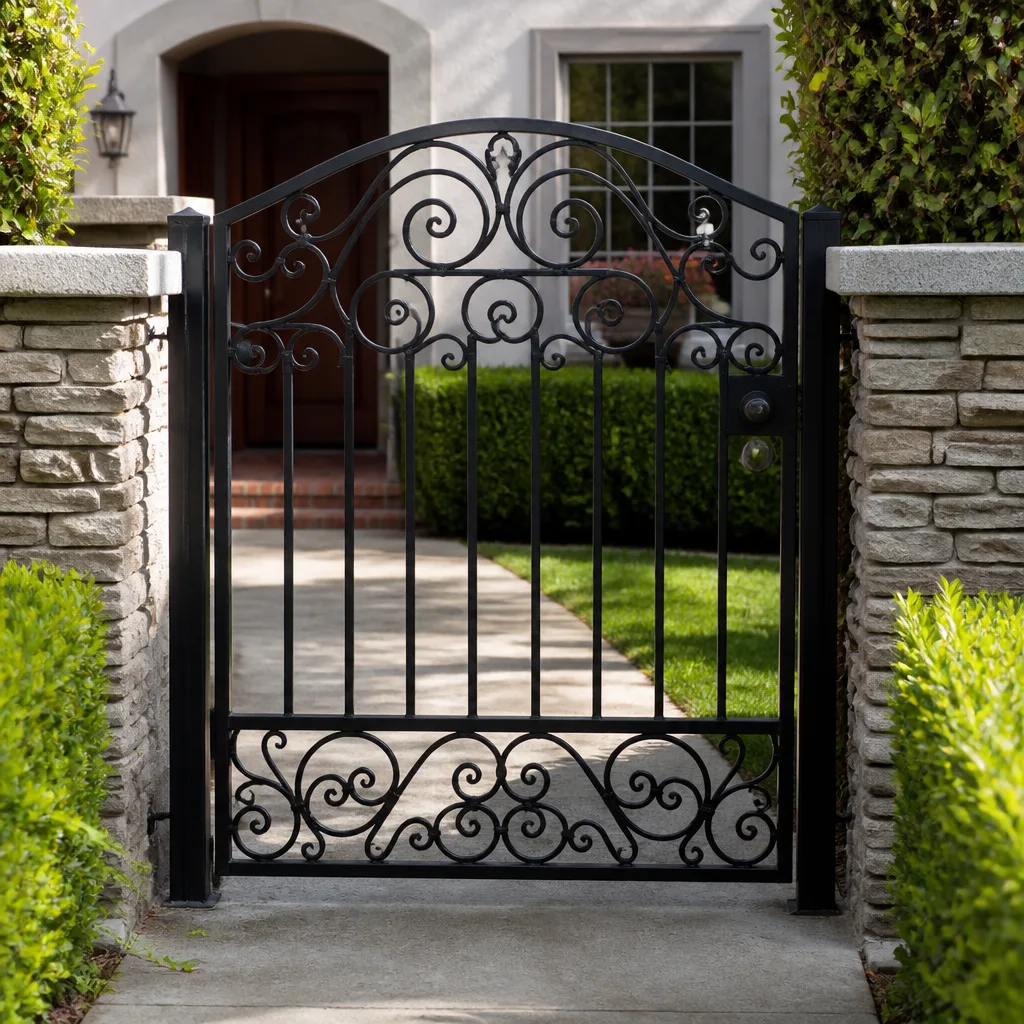 Wrought iron
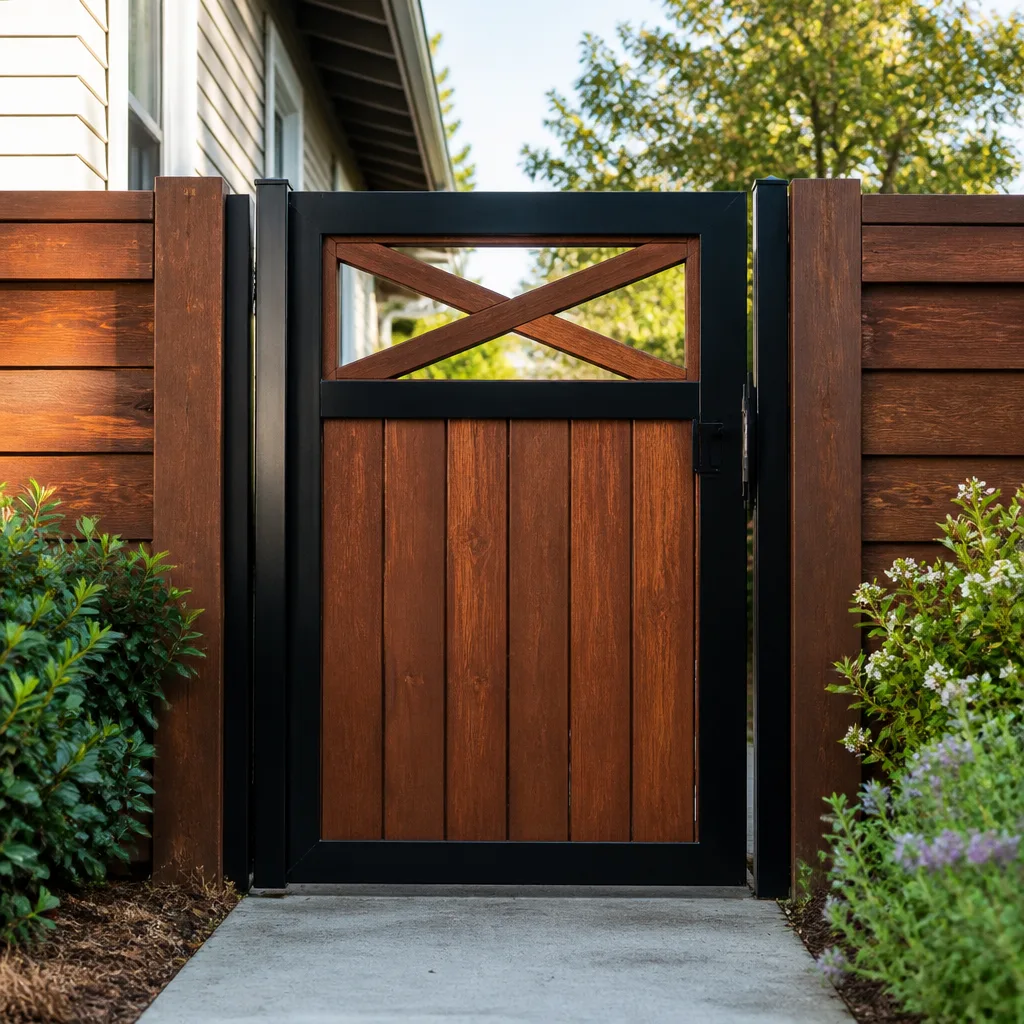 Wood & steel frame
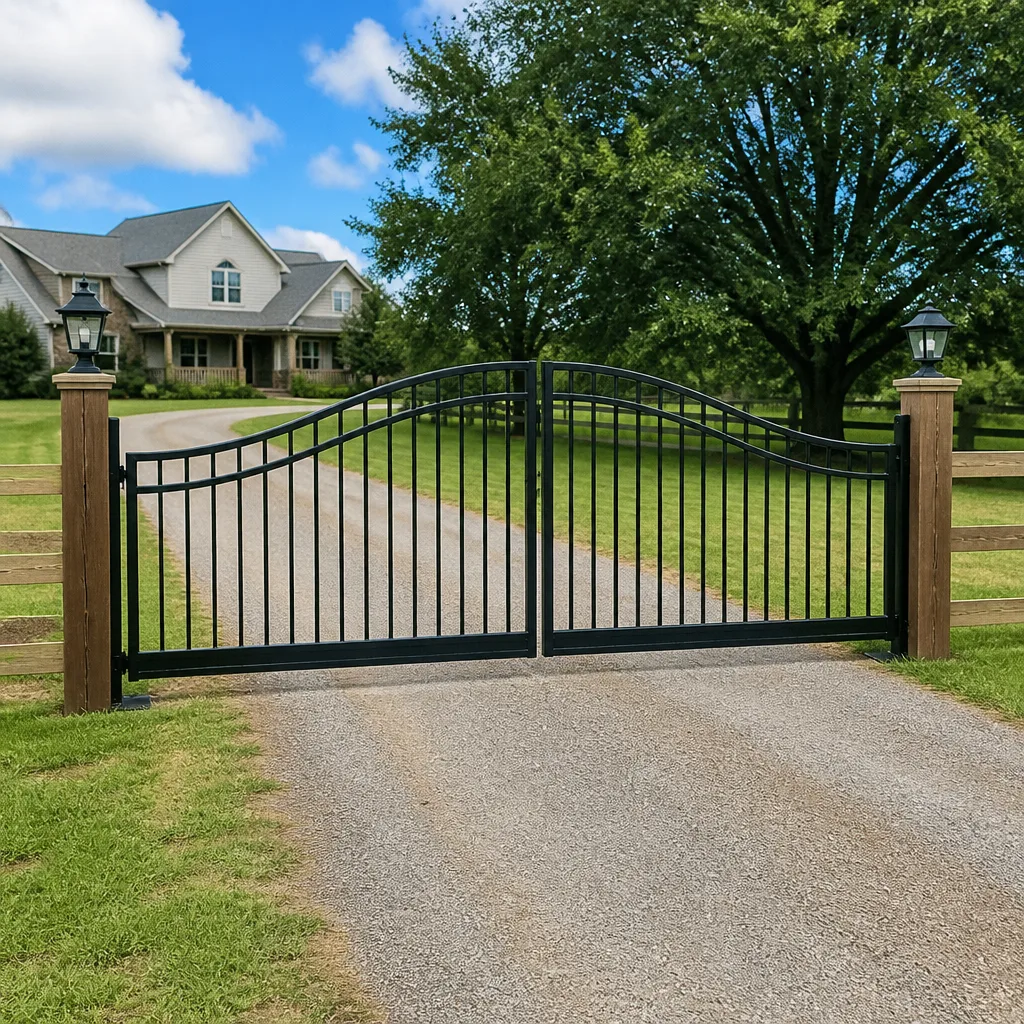 Farm & ranch
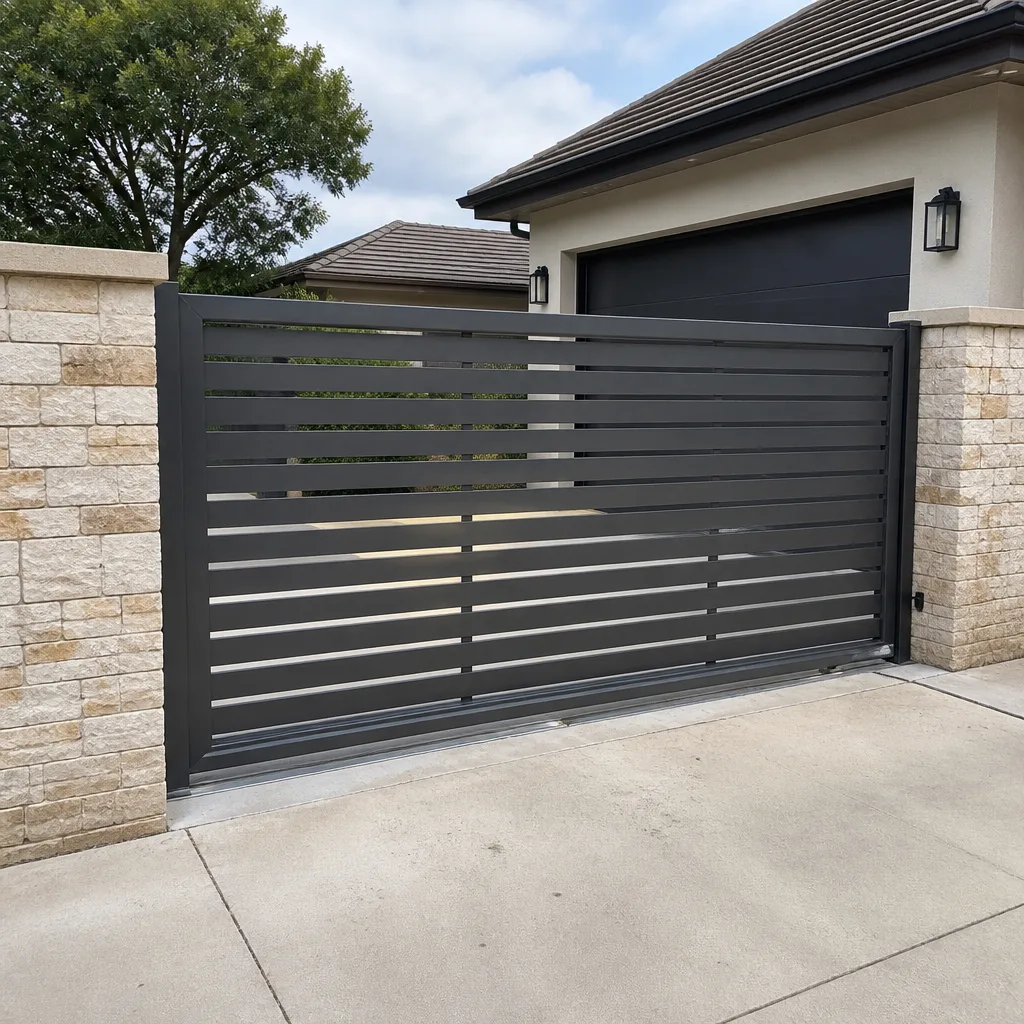 Sliding driveway gates
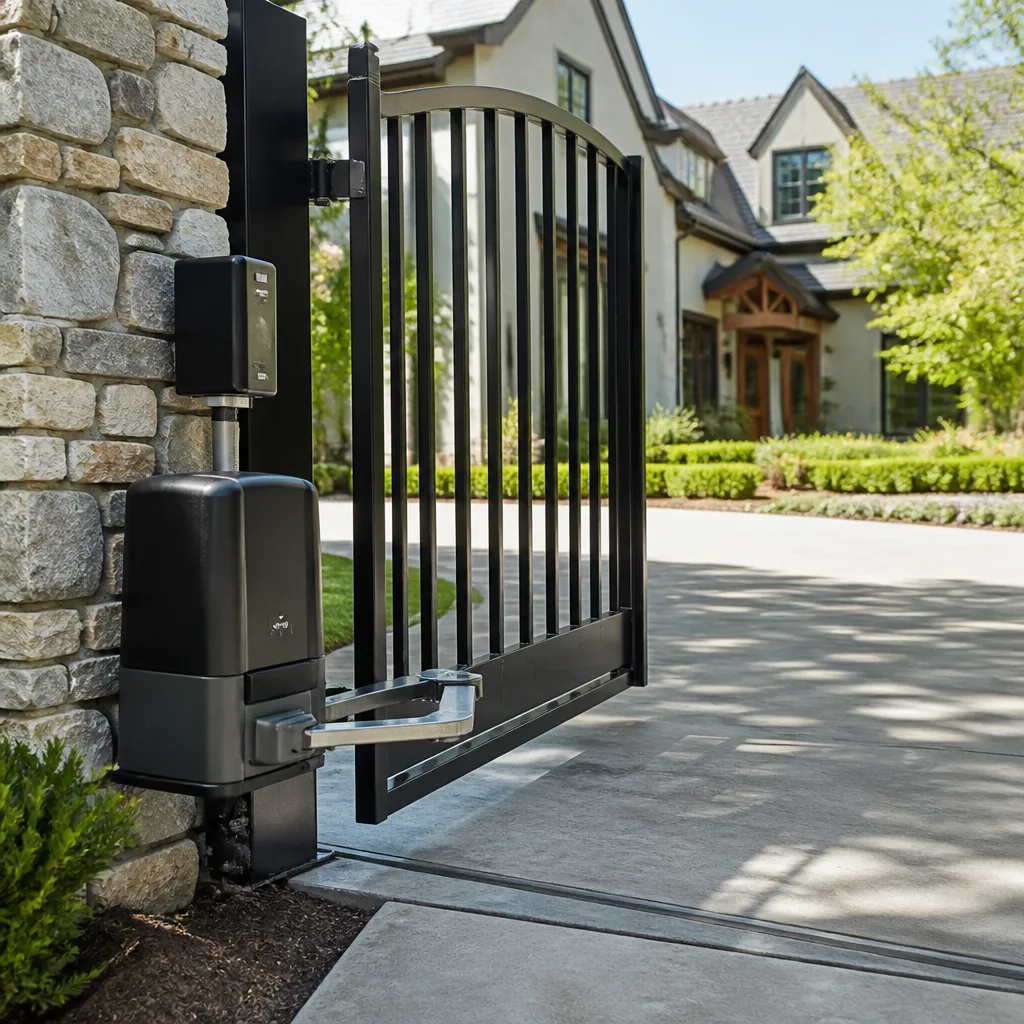 LiftMaster operators
Free on-site gate assessment - hinges, posts, and your LiftMaster or Nice gate operator checked before anything is quoted
The assessment is free and the quote is the invoice.
Get your free estimateGate Repair Troubleshooting: Common Problems and How to Fix Them
Most gate troubleshooting guides hand you a symptom checklist and send you on your way. That’s why homeowners in Fontana end up replacing parts that were never broken in the first place. The single most expensive gate repair mistake isn’t ignoring a problem. It’s fixing the wrong component first. A gate that stops mid-cycle gets blamed on the motor 70% of the time, but the actual cause is usually a failing limit switch or a dead battery in the remote receiver. This guide walks you through the failure chain: what broke, what it caused, and what still needs fixing even after the obvious symptom is gone.
Styles & brands we work with
Quick Answer
Most gate failures trace back to five root causes: power supply interruption, misaligned or failed safety sensors, worn limit switches, dead remote batteries, or a failing capacitor. Start with the power source and safety sensors before touching the motor or control board. If the gate is making unusual noises or moving unevenly, stop using it and address the mechanical problem before it damages the operator electronics.
Table of Contents
- The Failure Chain: Why Symptoms Lie to You
- Gate Won’t Open: The Four Causes Nobody Checks First
- Gate Won’t Close: Sensor Failures and Photocell Misalignment
- Intermittent Operation: The Most Misdiagnosed Gate Problem
- Gate Opens But Won’t Stop: Limit Switch Failures
- No Power to the Gate: Diagnosing Electrical Failures
- What You Can Safely Fix vs. What Needs a Professional
- Common Mistakes to Avoid
- When to Call a Professional
- Frequently Asked Questions
- The Bottom Line
The Failure Chain: Why Symptoms Lie to You
Every gate failure follows a chain. A mechanical component wears out, which puts abnormal strain on the motor, which draws excess current, which eventually fries the control board. By the time you hear the gate grinding or see it stop halfway, the original cause has already done secondary damage. In Fontana’s dry summer heat, we see this progression constantly: sun-baked capacitor dries out, motor struggles to start, board sustains voltage damage, and suddenly what looked like a simple motor replacement becomes a full operator rebuild.
Understanding the failure chain changes how you troubleshoot. The symptom you see is rarely the component you need to replace. Here’s the chain laid out:
- Root cause initiates: A physical component fails. A bearing wears out, a gear strips, a capacitor dries out, a spring loses tension.
- Load shifts: The failed component forces other parts to work harder. A worn bearing makes the motor draw more amperage.
- Symptom appears: The overloaded part starts misbehaving. The gate slows down, stops mid-cycle, or trips the breaker.
- Misdiagnosis happens: The homeowner sees the motor struggling and assumes the motor is bad.
- Wrong repair: The motor gets replaced, the underlying bearing is still shot, and the new motor fails in 90 days.
This is why we say “Diagnose first, replace only what’s needed.” A gate that has been repaired three times in a year hasn’t been repaired at all—it’s been patched, as our Gate Repair Warning Signs: A Fontana Homeowner’s Reference Guide explains in detail. The original fault is still in there, quietly destroying each new part.
We’ve worked on gates in Fontana where a homeowner had already spent hundreds on new remotes and a new receiver, only to find the wiring from the house to the gate had been chewed through by rodents. The remotes were fine. The symptom said “remote receiver failure,” but the chain pointed somewhere else entirely.
Gate Won’t Open: The Four Causes Nobody Checks First
A gate that refuses to open is the most common call we get from Fontana homeowners. Most assume the motor has failed. In our experience, the motor is the culprit less than a third of the time. Here’s what actually causes a gate to stay shut, in order of frequency:
1. No power reaching the operator
Check the breaker first. This sounds obvious, but outdoor outlets and dedicated gate circuits often share with landscape lighting or pool equipment. A tripped GFCI upstream is the quickest fix. If the breaker is fine, check whether the operator’s fuse or circuit breaker inside the cabinet has tripped.
2. Dead remote battery or lost programming
Try the keypad or wall station. If those work and the remote doesn’t, replace the remote battery. If the gate worked before a power outage and now won’t respond, the receiver may have lost its programming. Viking and DoorKing units, in particular, need reprogramming after extended power loss in some models.
3. Safety sensor misalignment
Photocells on either side of the gate track are designed to prevent the gate from closing on a vehicle or person. If one is knocked out of alignment, the system often defaults to “fail safe” mode, refusing to open. This is a deliberate safety feature, not a breakdown.
4. Limit switch positioning
If the gate thinks it’s already in the open position because a limit switch is stuck, the operator won’t run. Linear and Ghost Controls systems use mechanical limit switches that can get caked with dust and debris, especially in Fontana’s dry, dusty conditions.
Gate Won’t Close: Sensor Failures and Photocell Misalignment
A gate that opens fine but refuses to close is almost always a safety system doing its job. The operator sees an obstruction signal and refuses to move toward it. Here’s the diagnostic path we follow, in sequence:
- Inspect the photo-eye alignment. Both sensors should point directly at each other. A small bump from a vehicle or even shifting concrete from California’s expansive soils can knock one out of alignment.
- Clean the sensor lenses. Fontana dust and pollen film over the lenses until the beam is too weak to register. A soft cloth and glass cleaner fixes this in seconds.
- Check for anything blocking the beam path. Overgrown shrubs, stacked materials, even a bucket left near the gate can interrupt the beam.
- Test the edge sensor. If your gate has a rubber safety edge, press on it. If it’s flattened from years of abuse, it may be sending a constant “obstruction” signal.
- Check the close-force setting. If the operator’s close-force setting is too sensitive, the gate will reverse every time it meets mild resistance, like a slight uphill grade.
Here’s a diagnostic table we use on every “won’t close” call:
- Symptom: Gate closes halfway, then reverses. Cause: Photocell beam interruption or close-force setting too low.
- Symptom: Gate won’t move at all when closed. Cause: Stuck close limit switch or no power.
- Symptom: Gate closes, then immediately reopens. Cause: Safety edge fault or loop detector sensing phantom vehicle.
- Symptom: Gate closes slowly, grinds, or jolts. Cause: Mechanical drag: bad bearing, dry chain, bent track.
Intermittent Operation: The Most Misdiagnosed Gate Problem
A gate that works sometimes and then refuses to respond is the most frustrating failure. Homeowners tolerate it for months, resetting breakers and replacing remote batteries, because the symptom never sticks around long enough to diagnose. It’s also the problem most often blamed on a failing control board when the board is rarely the issue.
The most common source of intermittent operation we see in Fontana is heat. In summer months, driveway gates in direct sun bake at surface temperatures well above 140 degrees. Operators have thermal overload protection built in, which means they shut down when internal temperature exceeds safe limits. The gate works fine in the morning, fails at 3 p.m., and works again after sunset. That pattern is heat-related, not a dying board.
Other causes of intermittent operation:
- Loose wiring connections. Copper expands and contracts with temperature swings. A terminal screw that’s backing out can connect in the morning and separate in the afternoon heat.
- Remote receiver interference. New electronics in the neighborhood, a ham radio antenna nearby, or even a new LED light fixture can interfere with older RF receivers. Linear and Ghost Controls units are particularly sensitive to certain LED drivers.
- Photocell flicker. If a sensor is partially aligned, it may work in the morning and fail once the sun hits it at a certain angle.
- Capacitor fatigue. Start capacitors wear out gradually. They can deliver enough punch to start the motor on a cool morning but not enough when the heat load increases.
The diagnostic distinction is simple: if the failure follows a pattern tied to temperature, time of day, or wet weather, you’re dealing with a thermal or connection issue. If it’s completely random, the control board is more likely. Electric gate repair for intermittent issues requires patience and the right test equipment. A multimeter reading voltage at the board while the gate fails tells you more than ten replacement parts guessed at.
Gate Opens But Won’t Stop: Limit Switch Failures
When a gate opens fully and keeps pushing, or slams into the end stop and grinds, the limit switch is the first place to look. Limit switches tell the operator where the gate is in its travel. When they fail, the operator loses its sense of position.
There are two types of limit switches used across major brands:
- Mechanical limit switches: Physical levers or cams that trip at set positions. Found on older Linear, Viking, and DoorKing models. They wear out, get dirty, or move out of adjustment.
- Magnetic or electronic limits: Reed switches or hall-effect sensors that detect position without physical contact. Found on newer Ghost Controls and some LiftMaster models. They fail less often but are harder to test without a multimeter.
If your gate is a mechanical-limit model, here’s the safe diagnostic process:
- Kill power to the operator at the breaker or disconnect switch before you open the cabinet.
- Manually move the gate using the release handle if it has one, or with careful physical effort.
- Inspect the limit switches. Look for bent levers, broken cams, or debris blocking the switch throw.
- Check for corrosion. Fontana’s dry air slows corrosion, but if the operator cabinet has been wet from a sprinkler head or leaking seal, switch terminals corrode quickly.
- Re-tension any loose screws on the limit switch mounts.
One word of caution here: a gate that doesn’t stop at its limit is generating destructive force. That force can bend tracks, strip gears, and damage the gate itself, not just the operator. If you hear grinding when the gate reaches full travel, don’t keep testing it. Kill the power and address the limit switch before the damage spreads through the entire system.
No Power to the Gate: Diagnosing Electrical Failures
No power symptoms range from “nothing works” to “the operator hums but the gate doesn’t move.” These two extremes have completely different root causes.
“Nothing works” means the operator isn’t receiving power at all. The diagnostic sequence is straightforward:
- Check the house breaker. Most residential gates in Fontana run on a dedicated circuit, but some share with garage outlets or exterior lighting.
- Check the GFCI outlet. If your operator plugs into a GFCI receptacle, press the reset button. GFCIs trip in hot weather and after small power surges, which Fontana sees often during summer monsoon season.
- Check the operator’s internal fuse or breaker. Every major brand includes internal circuit protection. A blown fuse here usually means something downstream shorted, not just a transient surge.
- Test voltage at the operator terminals. This requires a multimeter. If you’re not comfortable testing live electricity, skip to calling a professional.
“The operator hums but the gate doesn’t move” is a different animal entirely. This is a capacitor failure. Start capacitors give the motor its initial jolt. When they fail, the motor can’t start, but it still receives power and emits a low hum. Run capacitors smooth out motor performance; when they fail, the motor runs rough or overheats. Both are cheap parts that wear out with age and heat exposure. Fontana’s summer temperatures accelerate this dramatically, which is why we replace more capacitors here in one season than many companies do all year.
If you replace an internal fuse and it blows again within days, stop replacing fuses. Something is drawing excess current. Continuously replacing fuses without finding the short is how control boards get destroyed. The same goes for resetting a tripping breaker repeatedly. A breaker that trips twice in one week is telling you there’s a short in the system.
For a complete picture of how electrical and mechanical systems interact, see our guide to gate repair in Camp Pendleton North, where we cover the full scope of operator electronics.
What You Can Safely Fix vs. What Needs a Professional
There’s a clear line between homeowner-appropriate fixes and work that belongs in the hands of a gate specialist; see our guide on How to Hire a Gate Repair Contractor in Fontana: A Step-by-Step Guide if you reach that point. Here’s the honest breakdown:
Safe for any homeowner:
- Replacing remote batteries
- Resetting a tripped breaker or GFCI
- Cleaning photocell lenses
- Clearing debris from the gate track
- Lubricating hinges and rollers with a silicone-based lubricant
- Checking for obvious wiring disconnections with the power off
Requires a multimeter and electrical knowledge:
- Testing voltage at the operator terminals
- Checking capacitor continuity
- Testing safety sensor output
- Verifying control board voltage inputs
- Diagnosing limit switch faults
- Testing loop detector function
Requires a gate specialist:
- Control board replacement
- Capacitor replacement
- Safety sensor alignment and replacement
- Limit switch adjustment or replacement
- Mechanical work on spring-loaded gates
- Any repair on a gate under spring tension
Here’s the thing about automatic gates: the mechanical side involves stored energy. Gate springs, especially extension springs on sliding gates, hold thousands of pounds of force. If one lets go while you’re working on the mechanism, the results are catastrophic. We never recommend homeowners work on spring-loaded components or anything involving gate motion mechanisms. That’s not gatekeeping. That’s physics.
If you need a new gate rather than a repair, gate installation in Camp Pendleton North covers the full process from site prep to final programming.
Common Mistakes to Avoid
- Replacing the remote before checking the receiver. If a new remote doesn’t fix the issue, the receiver was never the problem. Test with the wall station first.
- Bypassing safety sensors to “get the gate working.” This turns a safety system into a liability. If a sensor keeps faulting, fix the sensor. Don’t bypass it.
- Lubricating the gate track with WD-40. WD-40 is a solvent, not a lubricant. It cleans, then dries, leaving the metal unprotected. Use white lithium grease or a silicone-based dry lube.
- Adjusting the limit switches without documenting the original positions. If you lose track of the original setting, you’ll spend hours re-dialing the travel distance.
- Reusing an old capacitor because it “looks fine.” Capacitors degrade invisibly. If the motor is struggling to start, a new capacitor is cheap insurance.
- Ignoring a gate that’s suddenly slower than normal. Speed loss means mechanical drag. The longer you wait, the more damage the drag inflicts on the motor and board.
- Relying on battery backup without testing it. Many Fontana homeowners assume their gate will work during a power outage because they have a backup battery. But those batteries die quietly. Test yours every six months.
When to Call a Professional
Some symptoms tell you the failure chain has already advanced past the point of a DIY fix. If your gate makes grinding noises, moves unevenly, trips breakers repeatedly, or smells like burning electronics, the problem is no longer isolated to one component. Continuing to use the gate will compound the damage. A gate that partially functions is still a liability when the board intermittently fails and someone gets trapped inside or outside the property.
If you’ve gone through the checks in this guide and the gate still isn’t working, the issue is almost certainly in the electronics. Estate Gate Repair offers free estimates in Fontana. Call (866) 893-2220 and describe your symptoms. We’ll tell you over the phone whether it’s worth scheduling a service call or whether there’s a simple fix you can still handle yourself. We work on the brand you already have, whether it’s Linear, Viking, Ghost Controls, DoorKing, or any of the other major systems we support.
Frequently Asked Questions
Most gate repairs in Fontana run between $150 and $450 for common issues like sensor realignment, limit switch replacement, or capacitor replacement. Control board replacements typically run higher, in the $400 to $900 range depending on brand and model. Call (866) 893-2220 for an exact quote for your gate.
In most cases, yes. Since we’re gate-only specialists with stocked parts for major brands including Linear, DoorKing, and Viking, we can often complete repairs in a single visit. Call (866) 893-2220 to find out current availability in Fontana.
Power outages can wipe receiver programming on some gate operator models. The remote itself is likely fine. The receiver needs to be reprogrammed to recognize it again. This is a quick fix for anyone familiar with the programming sequence for your brand.
We’re brand-agnostic. We diagnose and repair across nine major gate automation systems: LiftMaster, FAAC, BFT, Linear, Viking, Ghost Controls, DoorKing, Elite, and Mighty Mule. We don’t steer you toward a replacement just because we’re more familiar with a different brand. We work on the brand you already have.
If the gate works in the morning and fails in the afternoon heat, the motor is thermally protecting itself, not dead. Give it 30 minutes to cool and try again. If it runs, the issue is heat load, not motor failure. If it never runs despite having power, test the capacitor before condemning the motor.
A full gate installation includes site evaluation, gate fabrication or supply, operator selection, electrical work, safety sensor installation, limit switch configuration, operator programming, and final testing. The price is quoted and agreed before any work starts.
If you’re in the Fontana area and want a specialist to look at your gate, Estate Gate Repair home has the full scope of our repair and installation services. From the motor to the control board, we handle the electrical side and the mechanical side so you don’t have to coordinate between two different companies.
The Bottom Line
Gate troubleshooting works when you follow the failure chain instead of chasing symptoms. Power first, then safety systems, then limit switches, then the motor and board. Most gates that “need a new motor” don’t need one at all. The real fault is upstream, and it won’t disappear because you masked it with a reset or a new remote battery. Your gate, our specialty. If you’re stuck, call (866) 893-2220 and talk to a Fontana gate technician who actually works on gates every day, not as a side service. The estimate is free.
Written by the team at Estate Gate Repair, serving Fontana since 2015. For more guides & resources, visit our blog.
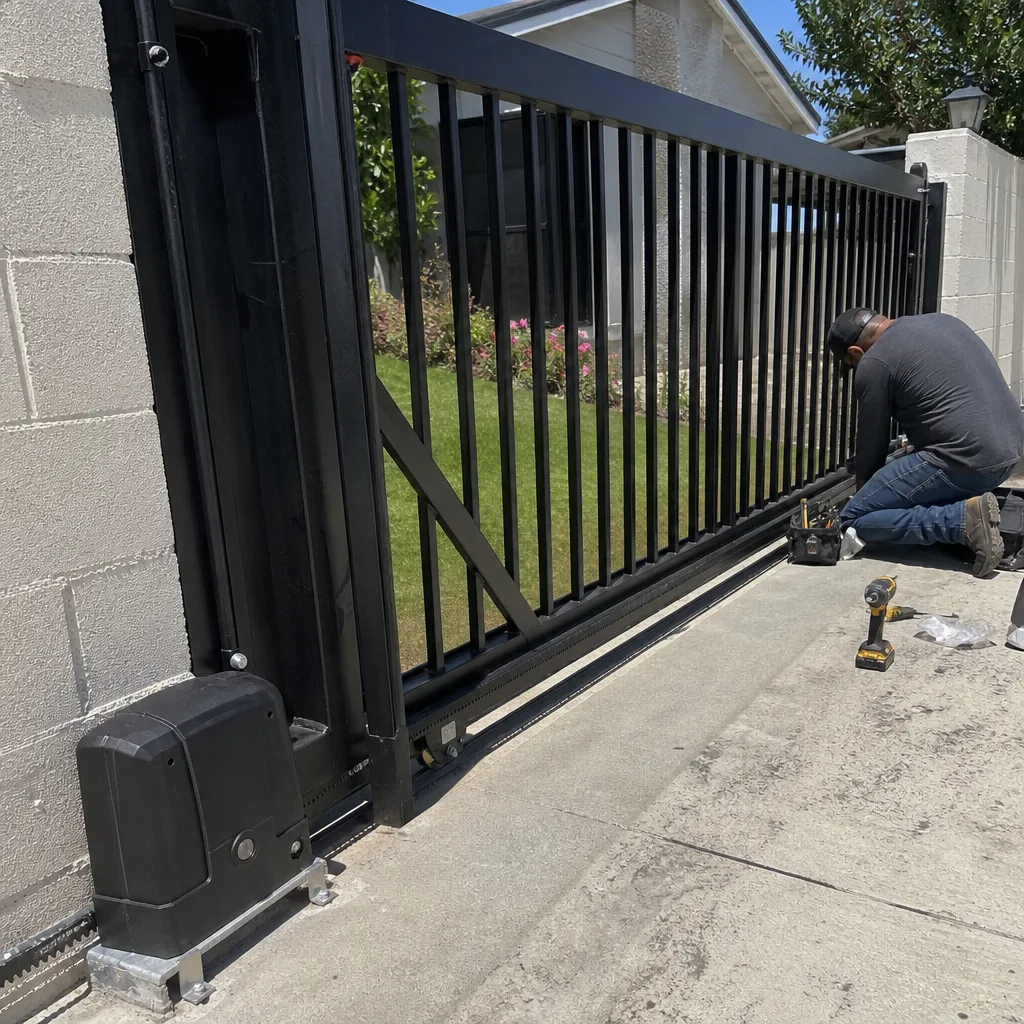
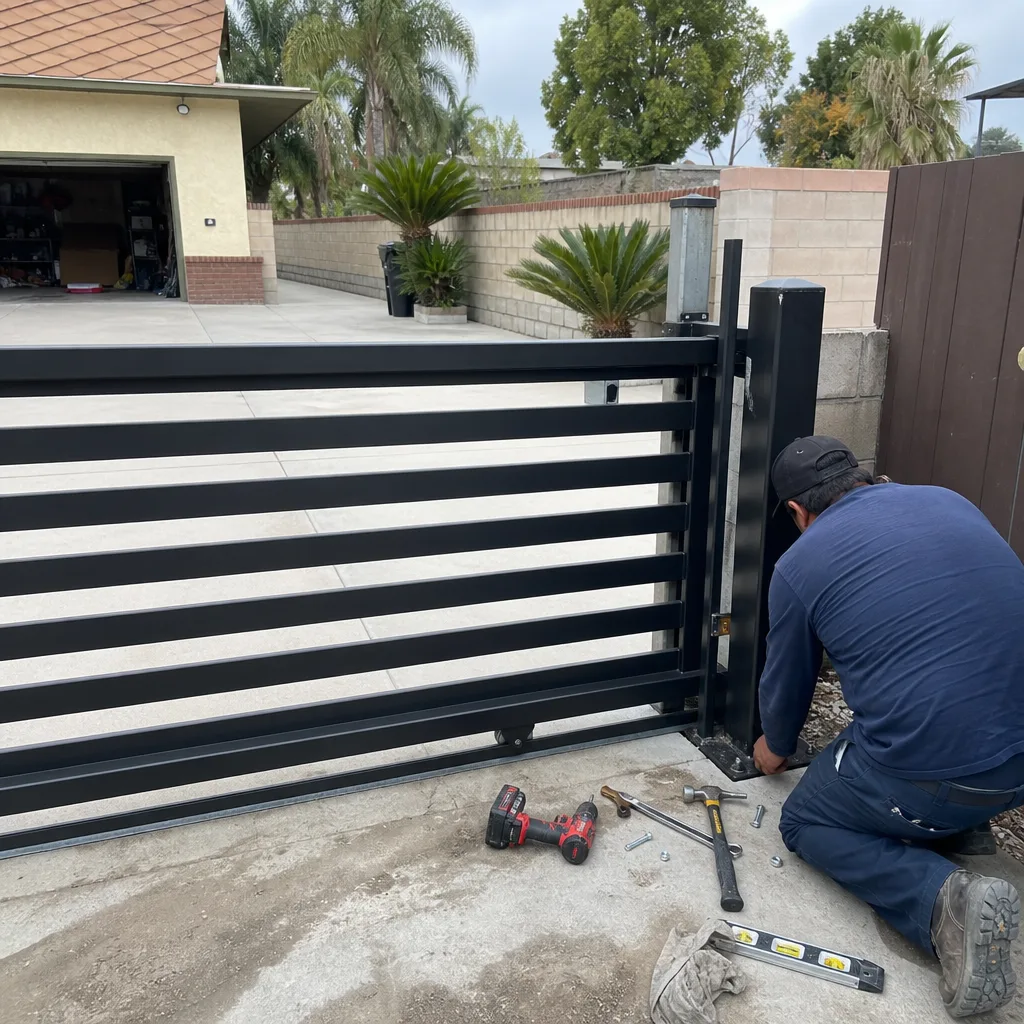
See the difference
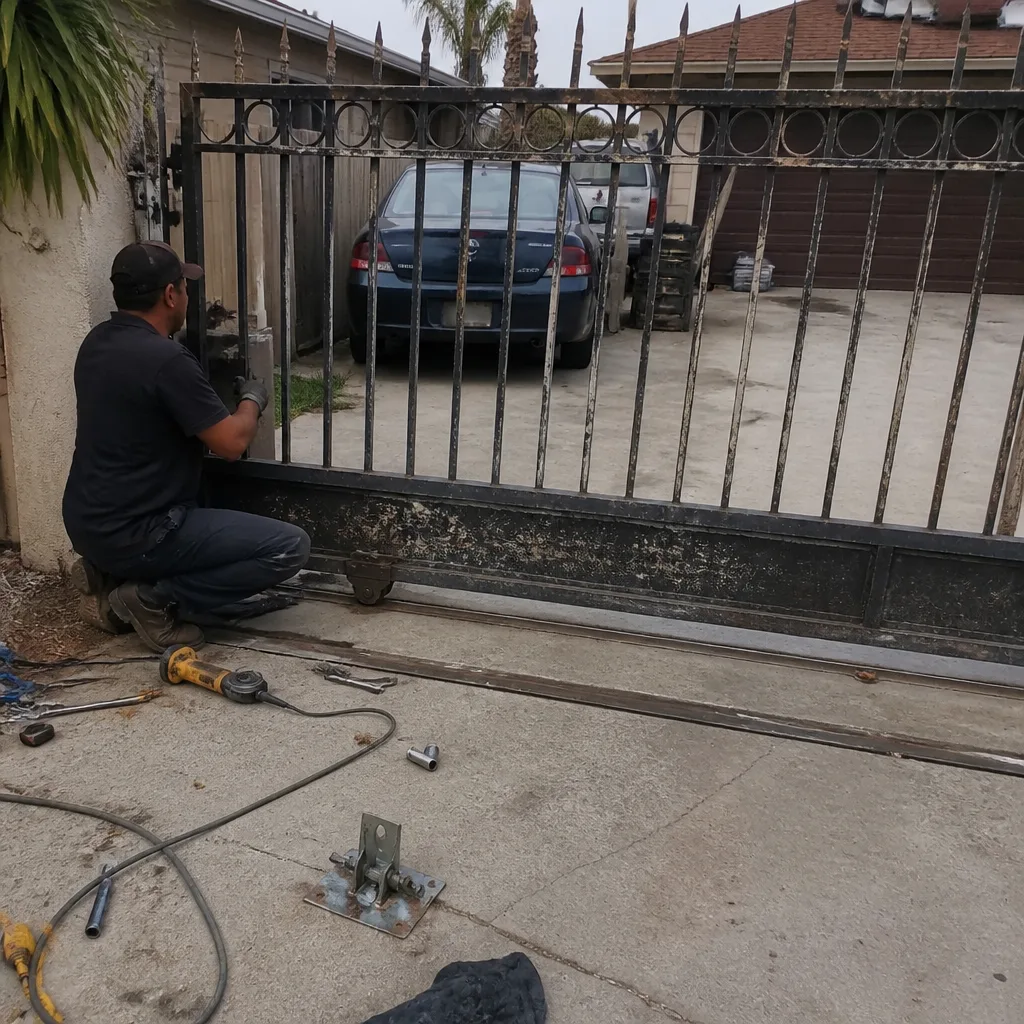 Before
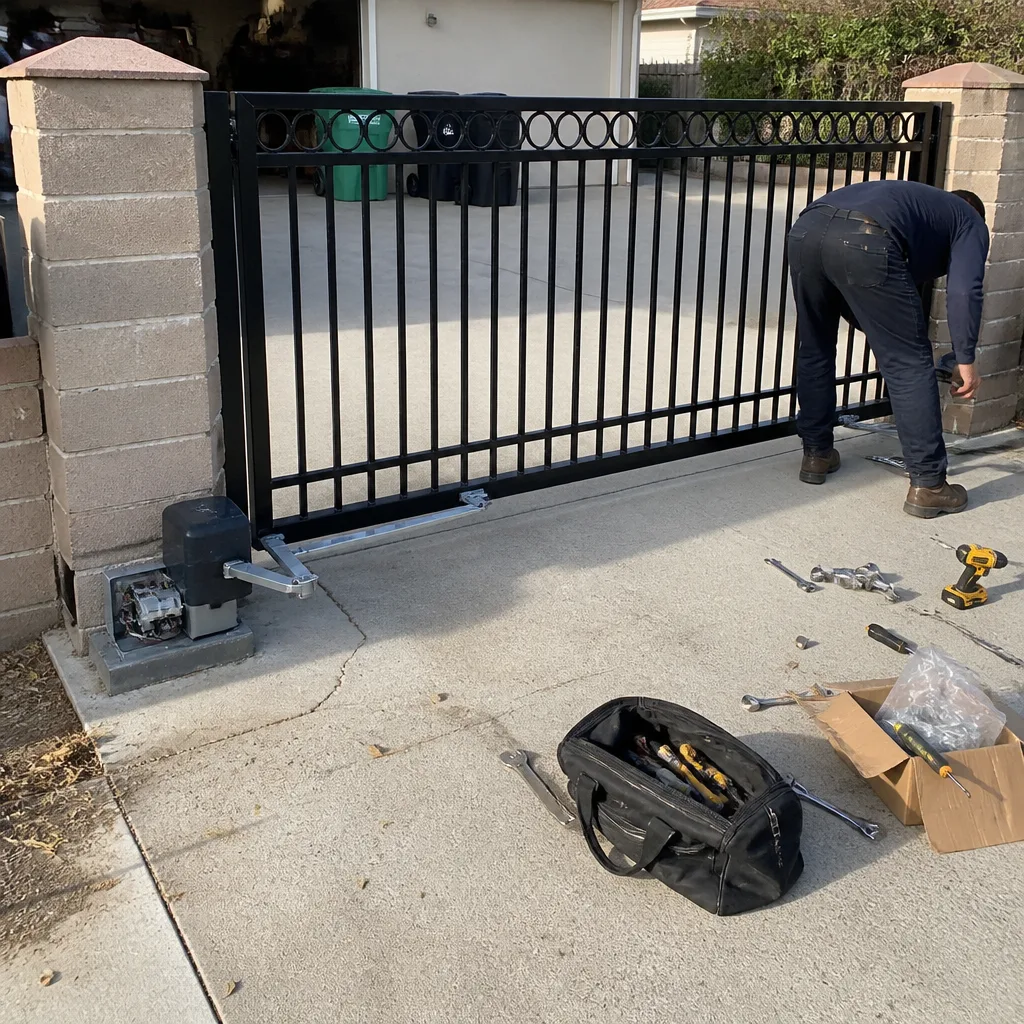 After
After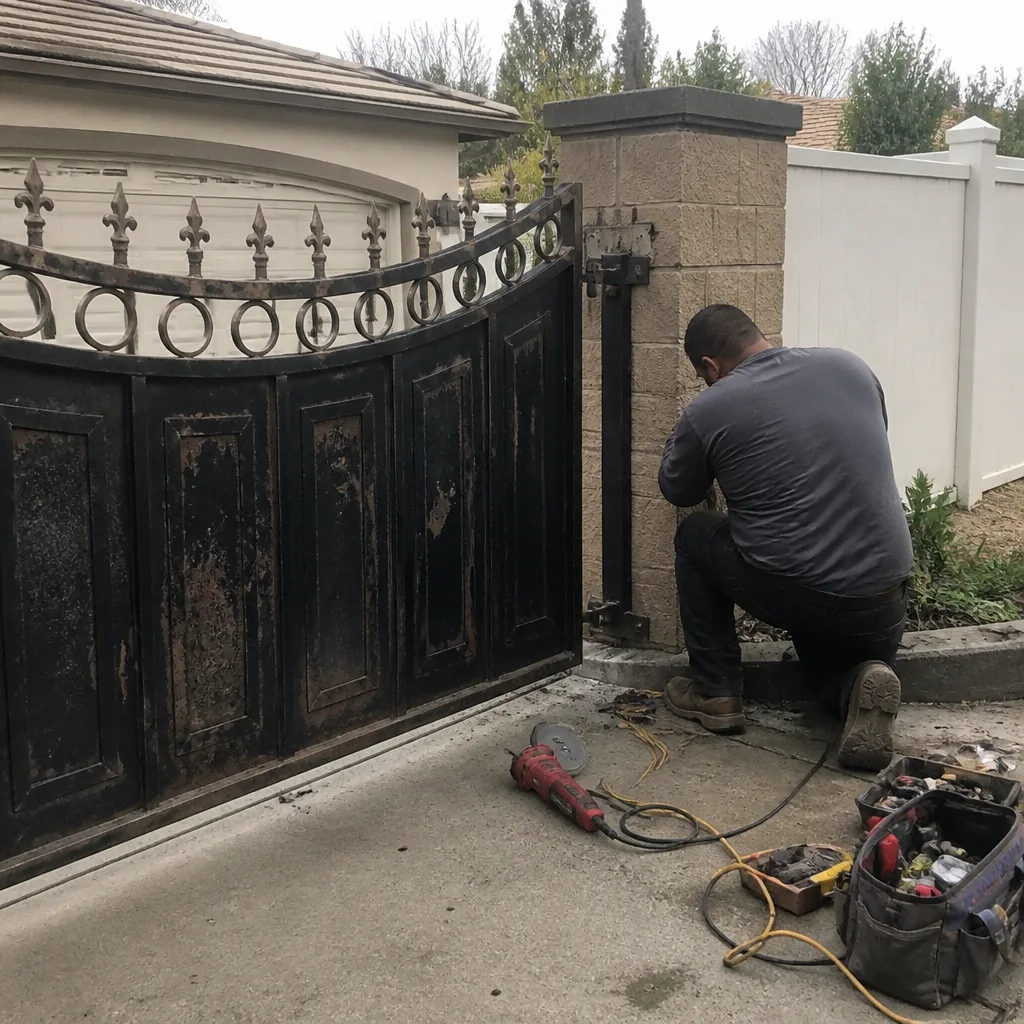 Before
 After
After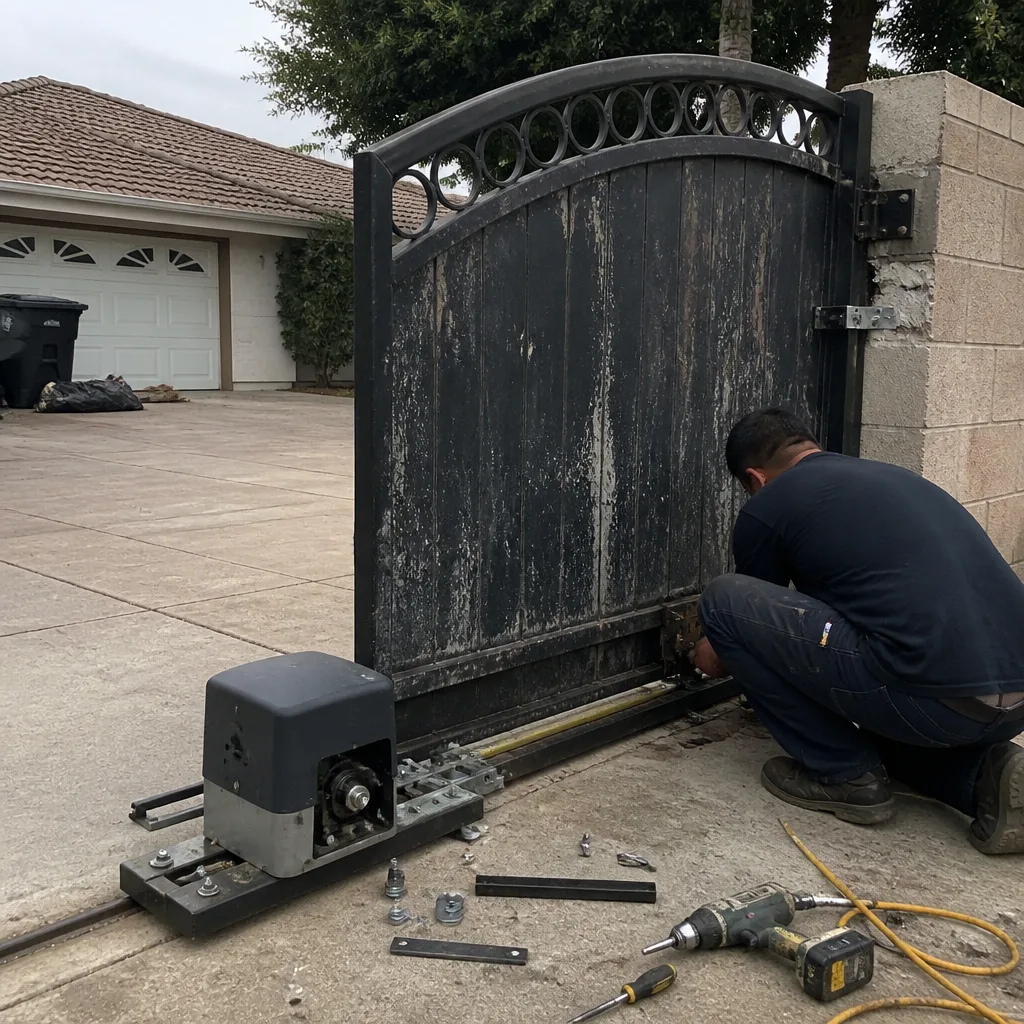 Before
 After
After